Have yet to cover a Windows only piece software on the blog yet, but plenty of Linux only software. With Linux there are many options for the desktop and even more options for each desktop interface, but with Windows you need third-party software to get a really customized desktop. Well that software is called Rainmeter, and is open source and free to download.
Here are a couple of example of what Rainmeter can do. All the skins are easily customized and parts from different skins can be combined, or you could make your own from scratch which is made easy by allowing the creators to focus on the look by plugging there artwork into functions that are already available.
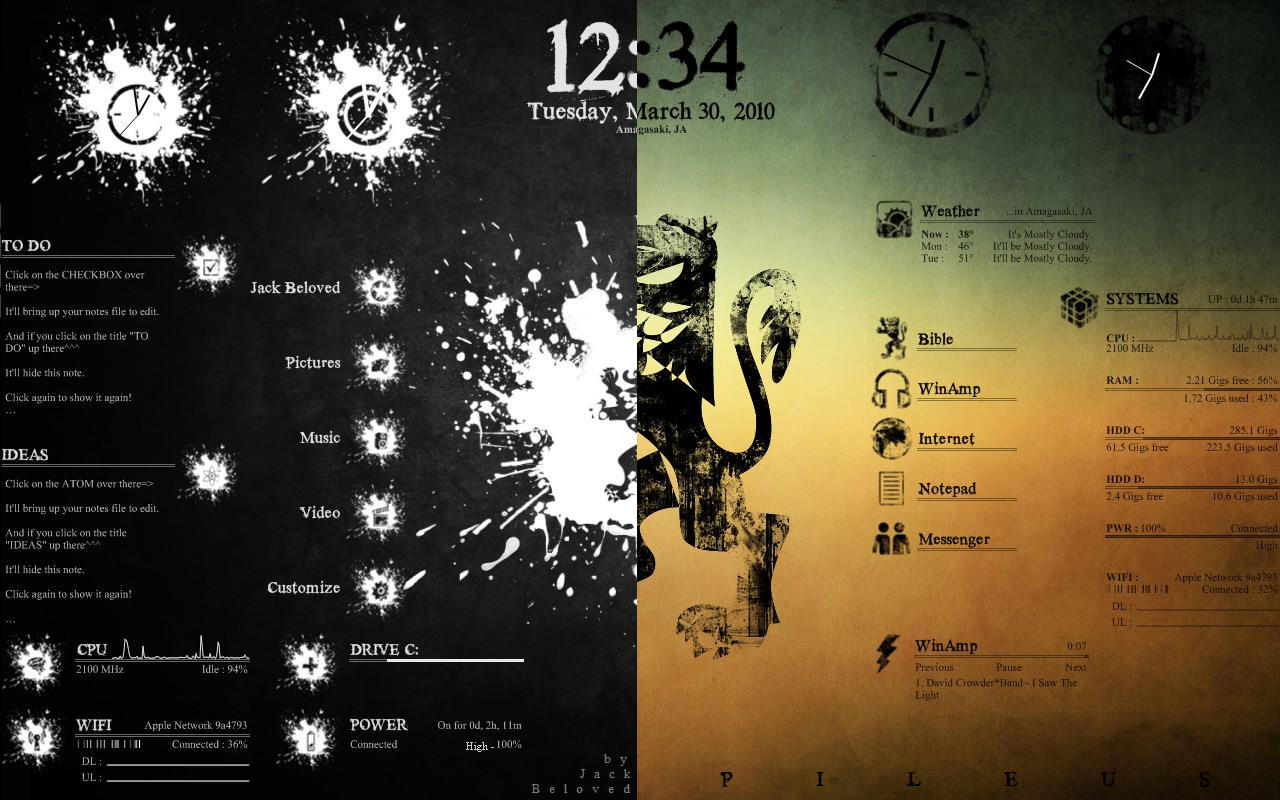
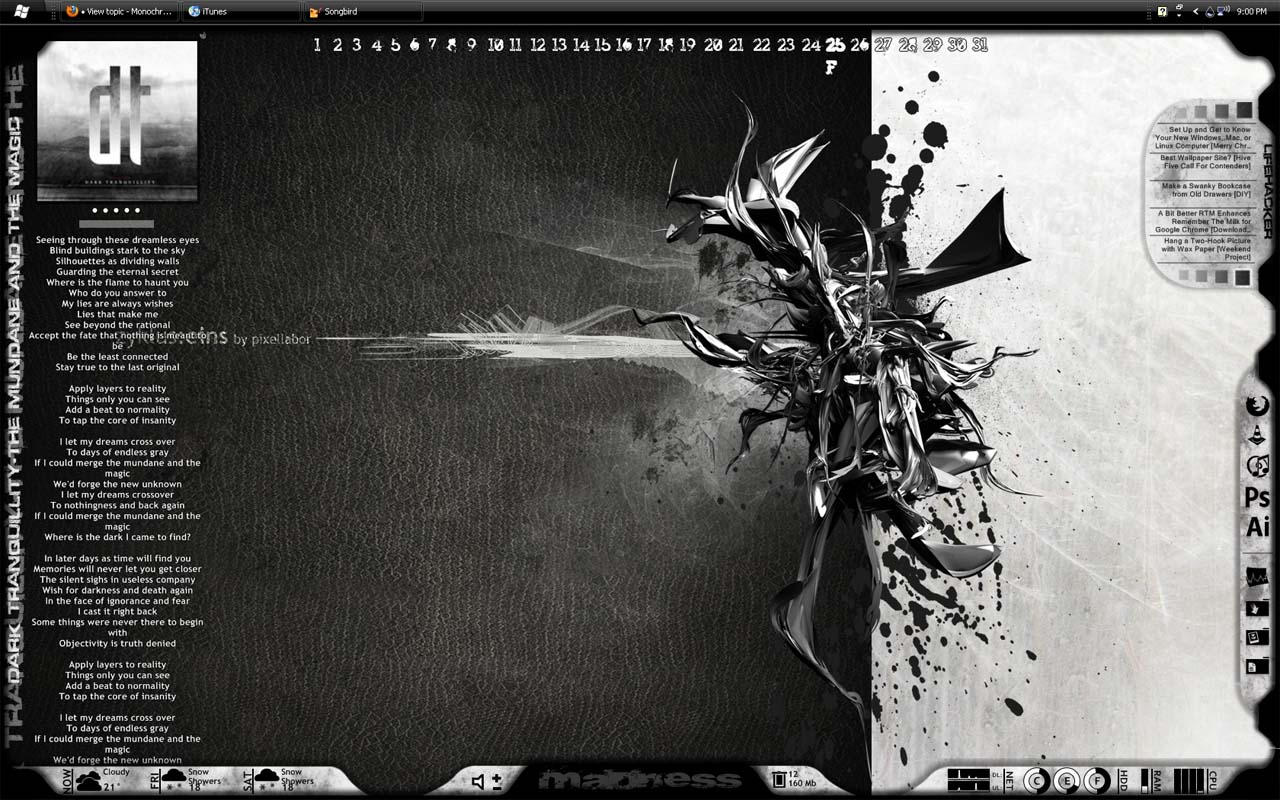

Rainmeter is the best known and most popular desktop customization program for Windows. Enhance your Windows computer at home or work with skins; handy, compact applets that float freely on your desktop. Rainmeter skins provide you with useful information at a glance. It's easy to keep an eye on your system resources, like memory and battery power, or your online data streams, including email, RSS feeds, and weather forecasts.
Many skins are even functional: they can record your notes and to-do lists, launch your favorite applications, control your media player - all in a clean, unobtrusive interface that you can rearrange and customize to your liking.
There are thousands and thousands of skins available, crafted by a large and ever-growing community of Rainmeter users. !!! WARNING !!! Be careful where you get your skins and plugins, try to only get skins from rainmeter.net and when downloading from deviantart.com make sure the comments aren't disabled on that skin!
Rainmeter is not just an application, it is a robust toolkit. Create and modify your own skins in a simple language that's easy to learn, with the help of extensive documentation, getting started guide and skin tutorials. Skins call upon measures, a set of powerful built-in modules that do all the heavy lifting, and create interactive meters to display that information however you decide. In this way, Rainmeter brings productive innovation together with creative artistry like no other platform of its kind.
Over the last few years, a thriving community has built up around Rainmeter, as average users freely contribute their own original skins, their generous knowledge and support, and their inspirational ideas to a project whose scope and capabilities are constantly expanding.
Rainmeter is designed for YOUR system. Rainmeter uses very little CPU and RAM resources, has a tiny space footprint, and will run perfectly well on any hardware using Windows XP through Windows 8.
Rainmeter is free and open source. Rainmeter is open source software distributed free of charge under the terms of the GNU GPL v2 license. If you want to get involved, check the Developers page.
Official website http://rainmeter.net/cms
Rainmeter 101 http://rainmeter.net/cms/Rainmeter101
The source code is on Github https://github.com/rainmeter/rainmeter