THE DARK MOD is a free, first-person stealth game inspired by the Thief series by Looking Glass Studios. It recreates the essence of the original Thief games on a more modern engine. This project is both a game and a mission-creation platform, The Dark Mod allows players and mappers alike to enjoy missions in a gothic steampunk universe.
Linux is well known to run on all kinds of hardware from the oldest machines to the worlds super computers, and am always coming across friends that have older machines with only half a gig of RAM but most modern desktops recommend at least one gig of RAM. While it might not cost much to upgrade, I still think that a PC can still be comfortably usable without upgrading.
0 A.D (pronounced “zero-ey-dee”) is a historical Real Time Strategy (RTS) game under development by Wildfire Games, a global group of volunteer game developers. As the leader of an ancient civilization, you must gather the resources you need to raise a military force and dominate your enemies. Have never played a RPG or RTS for more then 15 minutes, but look forward to getting deep into this game.
The jMonkeyEngine SDK is a custom environment built on-top of netbeans for developing with the jMonkeyEngine library. The jME3 SDK provides you with unique plugins for creating jMonkeyEngine 3 game content. You can download and install the jMonkeyEngine SDK as a ready-to-use complete game development environment, rather than using a generic Java IDE. (What's an IDE?)
After installing and starting the jMonkeyEngine SDK start a new project, and make it a jME3 BasicGame, the project will have code already in place that opens a window and displays a cube in 3d space press "f6" to run the project. After seeing the cube and debug info we know that we installed everything correctly and can close that window by hitting the "esc" key and move on to getting jME3 to make Android packages. This is done by adding the Android plugin in the plugin browser. It's under "Tools > Plugins".
After installing the plugin go to the jME3 options under Tools and select the mobile tab, and point it to the Android SDK folder. Almost there getting it all set up, the last step to make a jME3 project run on an Android device, is to right-click the project that you created and select "properties". First click "Build > Compile" and deselect "Compile on Save" Now go to "Application > Android" and select "Enable Android Deployment" then give your package a proper name.
Congratulations!! It is now possible to run jMonkey Engine games on an Android device or emulator.
If there was a problem take a look in the forum for a solution, if there isn't one leave a post and someone will respond with suggestions. http://jmonkeyengine.org/forums
Documentation & Tutorials
One of the best things about the jMonkeyEngine is the community provided documents and tutorials. They have really detailed tutorials that will cover allot of questions that would arise, plus the forum members are always there to answer a question and give a helping hand.
Mixxx has everything you need to start making DJ mixes in a tight, integrated package. Whether you're DJing your next house party, spinning at a club, or broadcasting as a radio DJ, Mixxx has what you need to do it right.
Best of all it's Open Source, free and available for Windows, Mac, and Linux!
Here is a quick 5 minute review of Mixxx by InfinityGalatic (who's been doing Linux App reviews on youtube). He is using the Ubuntu Linux Operating System which is also free and Open Source.
A friend has a laptop that is like a tablet, the screen rotates around and sits on the keyboard. There is pencil like pointing device that is pressure sensitive. First thing that came to mind was PAINTING, and there's an Open Source tool for that. Surprised?
MyPaint is a fast and easy open-source graphics application for digital painters. It lets you focus on the art instead of the program. You work on your canvas with minimum distractions, bringing up the interface only when you need it. MyPaint runs on GNU/Linux as well as Windows
Instead of explaining all the cool features and power of MyPaint lets just look at some screenshots and finished paintings.
This is a screenshot of MyPaint running in Ubuntu 11
This screenshot is taken in an older version of Linux
Screenshot of adjusting some brush settings in MyPaint
Another screenshot taken in Linux
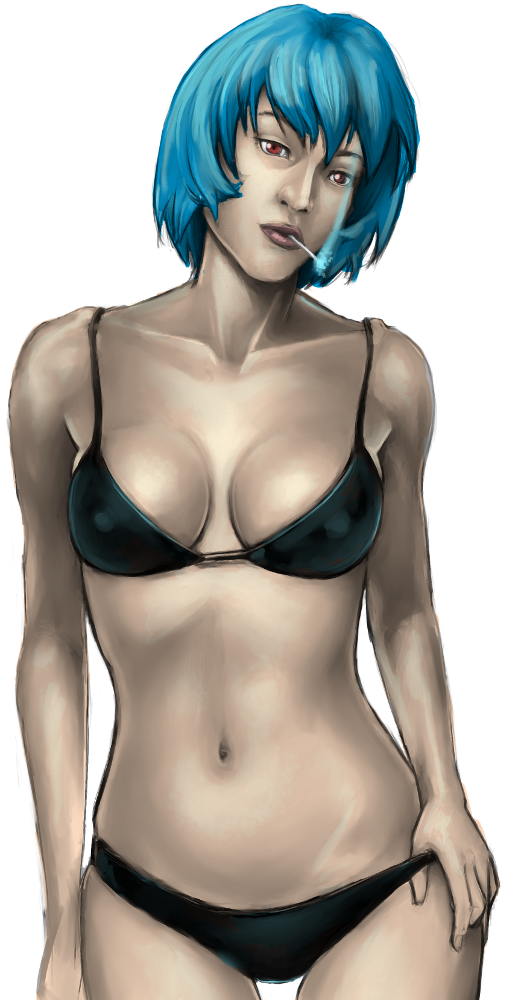
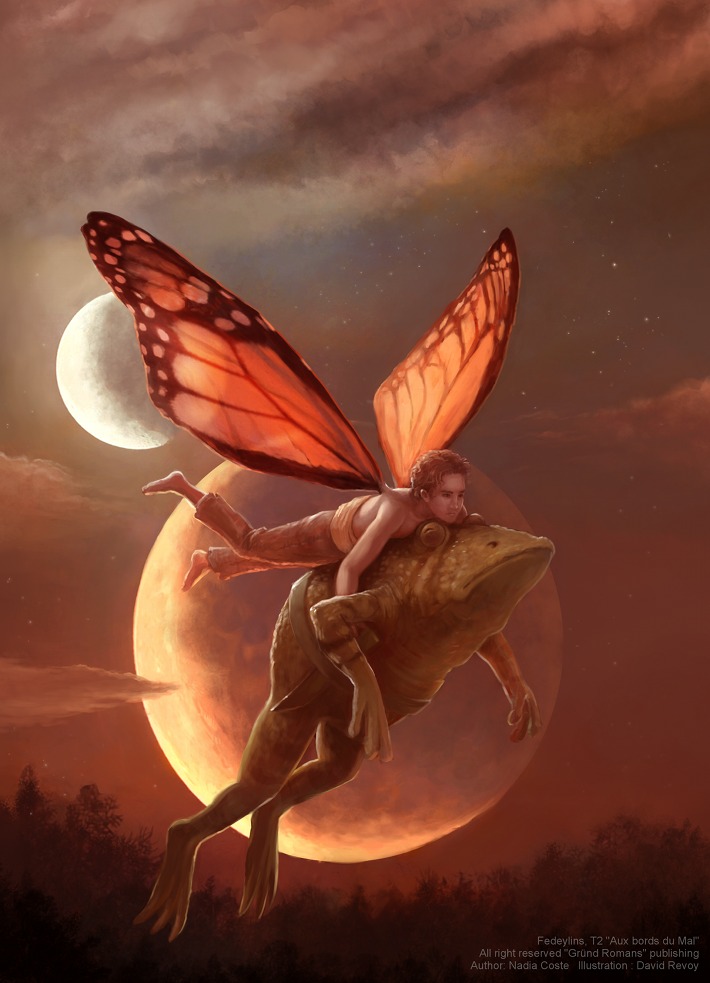
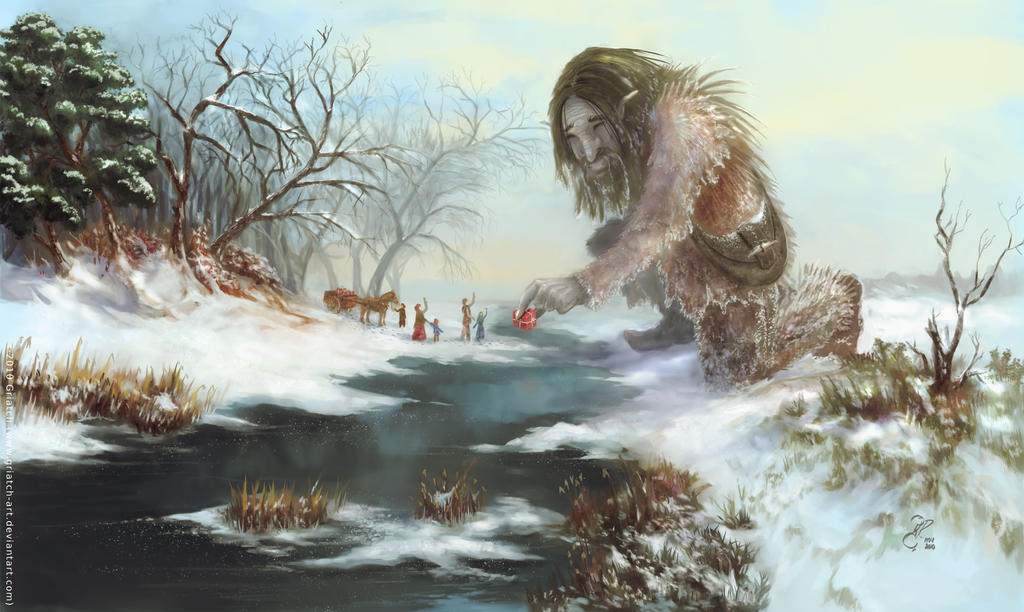
Instead of listing the technical aspects of MyPaint let's look at some finished paintings. These are found at deviantart http://mypaint.deviantart.com/gallery/.
For Windows users MyPaint is available at MyPaint, there are also extra brushes and a gimp plugin for download. There is a tutorial for people who've never used MyPaint, Basic Usage Tutorial. After going through the basic usage tutorial check out the wiki to learn more advanced tricks MyPaint Wiki.
See MyPaint in action with a timelapse. This was posted in 2009.
Kristen Stewart, portrait in MyPaint approximately 1 hour into lees than 10 min